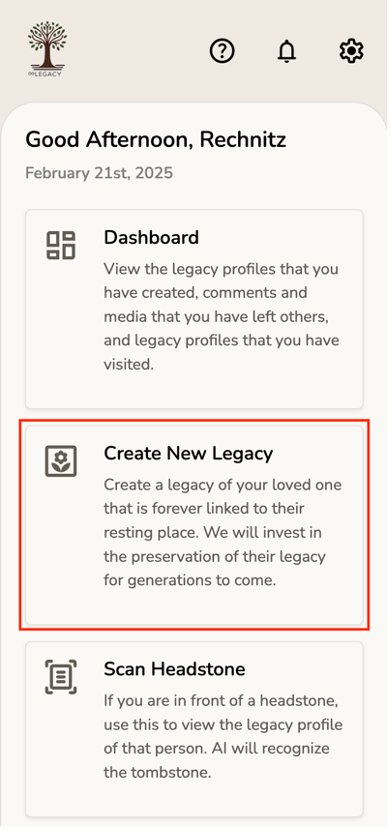
1. To create a legacy profile, start by selecting Create New Legacy from the home screen.
2. Next, enter all required information.
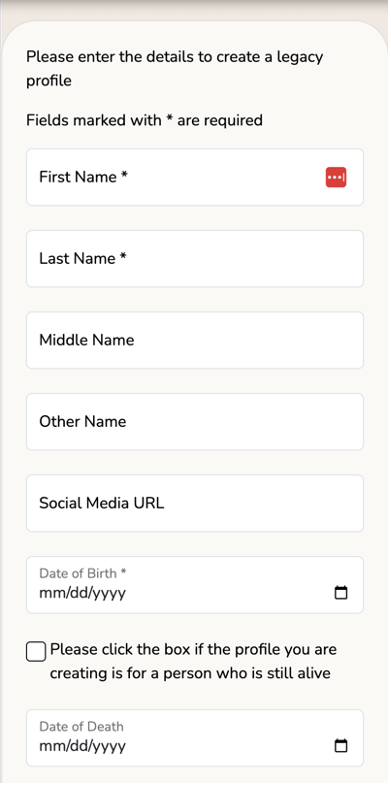
- For a living person: Only the first name, last name, and date of birth are required. Be sure to check the box indicating the person is still alive.
- For a deceased person: You must also provide the date of death and the cemetery location where the person is buried.
If the date of birth or date of death is unknown, please contact support for assistance in creating the profile.
1. Navigate to your Dashboard and ensure you are logged in as the profile owner.
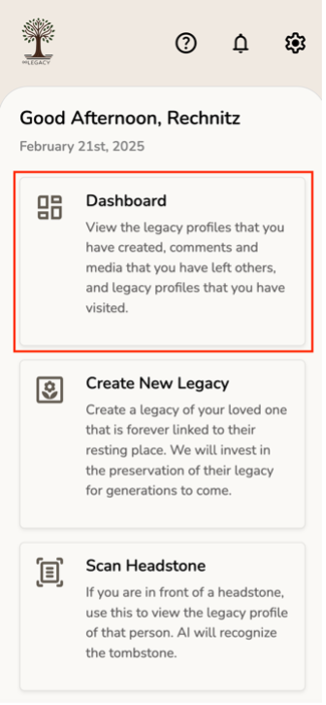
2. Click the "Edit" button next to the profile you want to update.
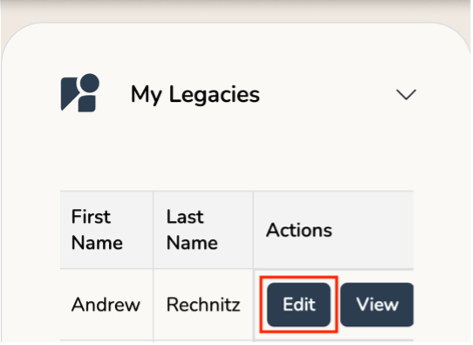
3. A new page opens up as shown below.
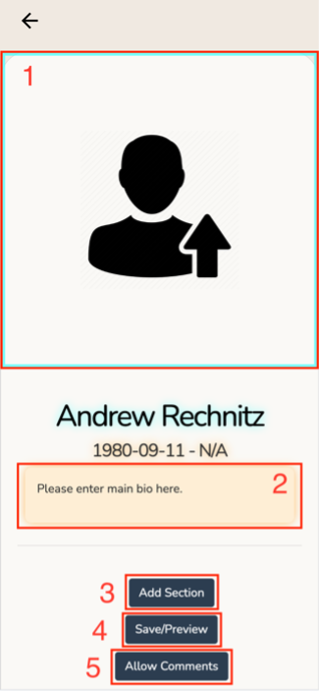
- Click on the main image box to upload your main photo.
- Click on the textbox below your date of birth to update your main bio.
- If you would like to add additional photos and or text, click on the Add Section button.
- Preview and Save your changes before exiting.
- To allow other users to submit photos and tributes to your legacy profile, click on the Allow
Comments button.
Note: you will be required to approve all photos and tributes other users submit before the will appear on your profile.
1. Go to the Gallery section of the user's legacy profile.
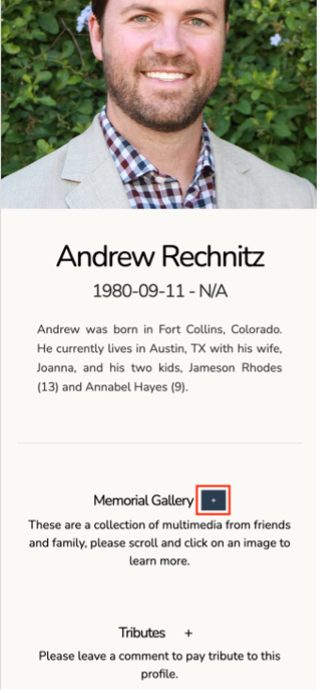
2. Click Choose Image.
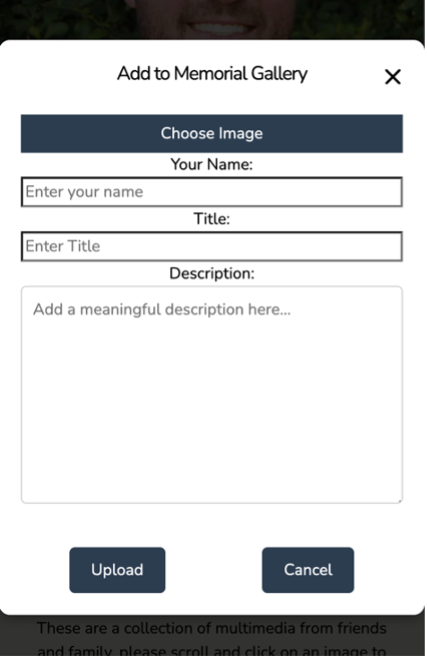
3. Select an image from your device, add a description, and click Upload.
4. The profile owner will review your submission and either approve or reject the photo.
1. Go to the
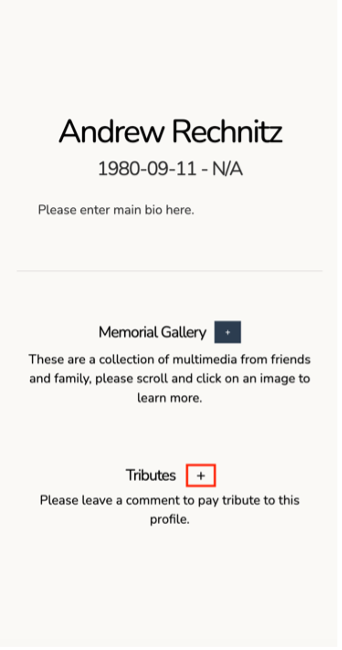
2. Enter your Name and you Message and click Submit.
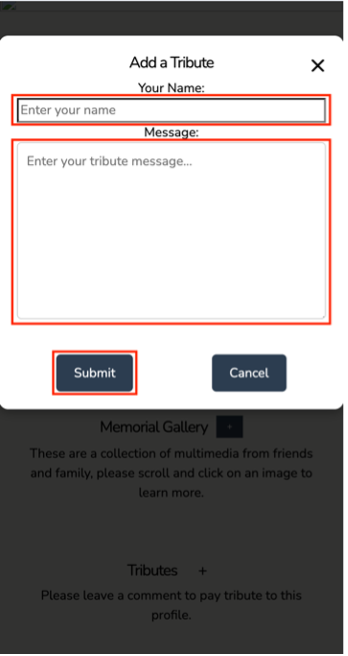
3. The profile owner will review your submission and either approve or reject the tribute.
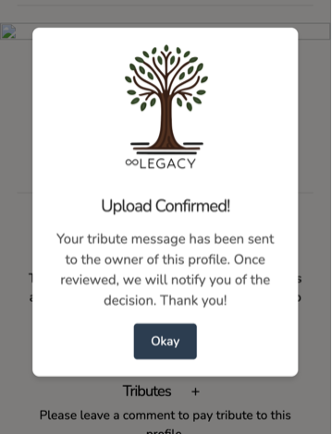
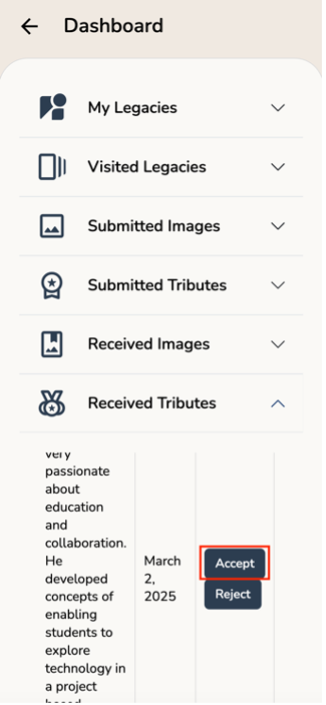
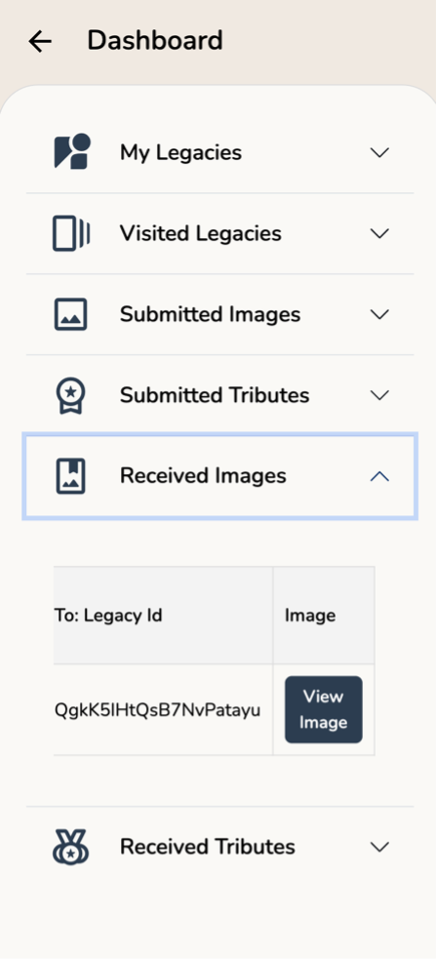
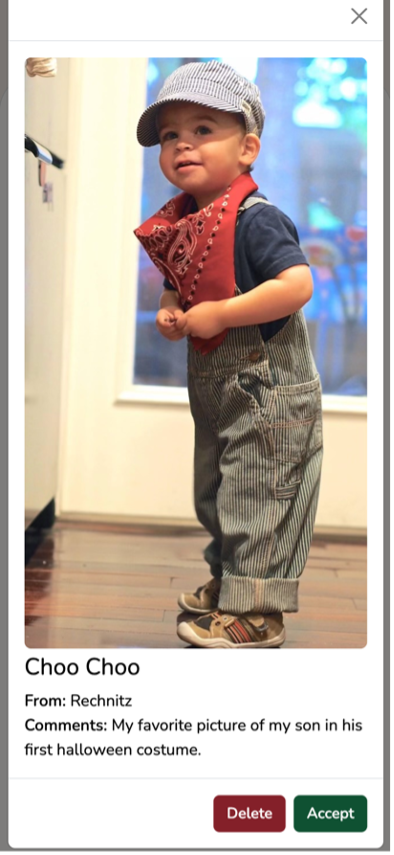
1. After you submit photos or tributes, the profile owner will receive a Notification to review the submission.
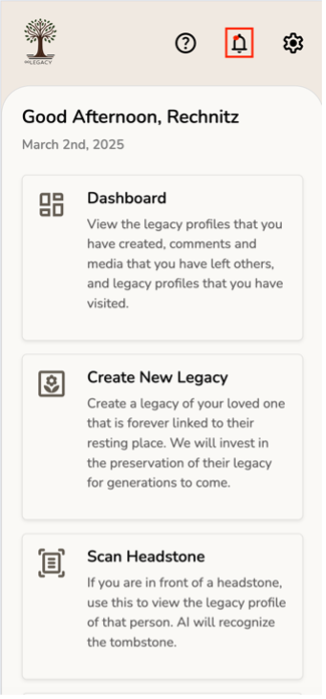
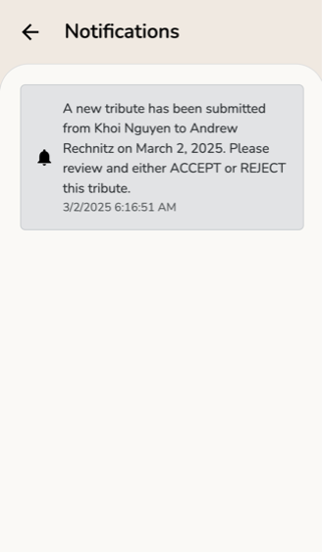
2. After the profile owner Accepts or Rejects the submission, the photos or tributes will instantly appear on the legacy profile.